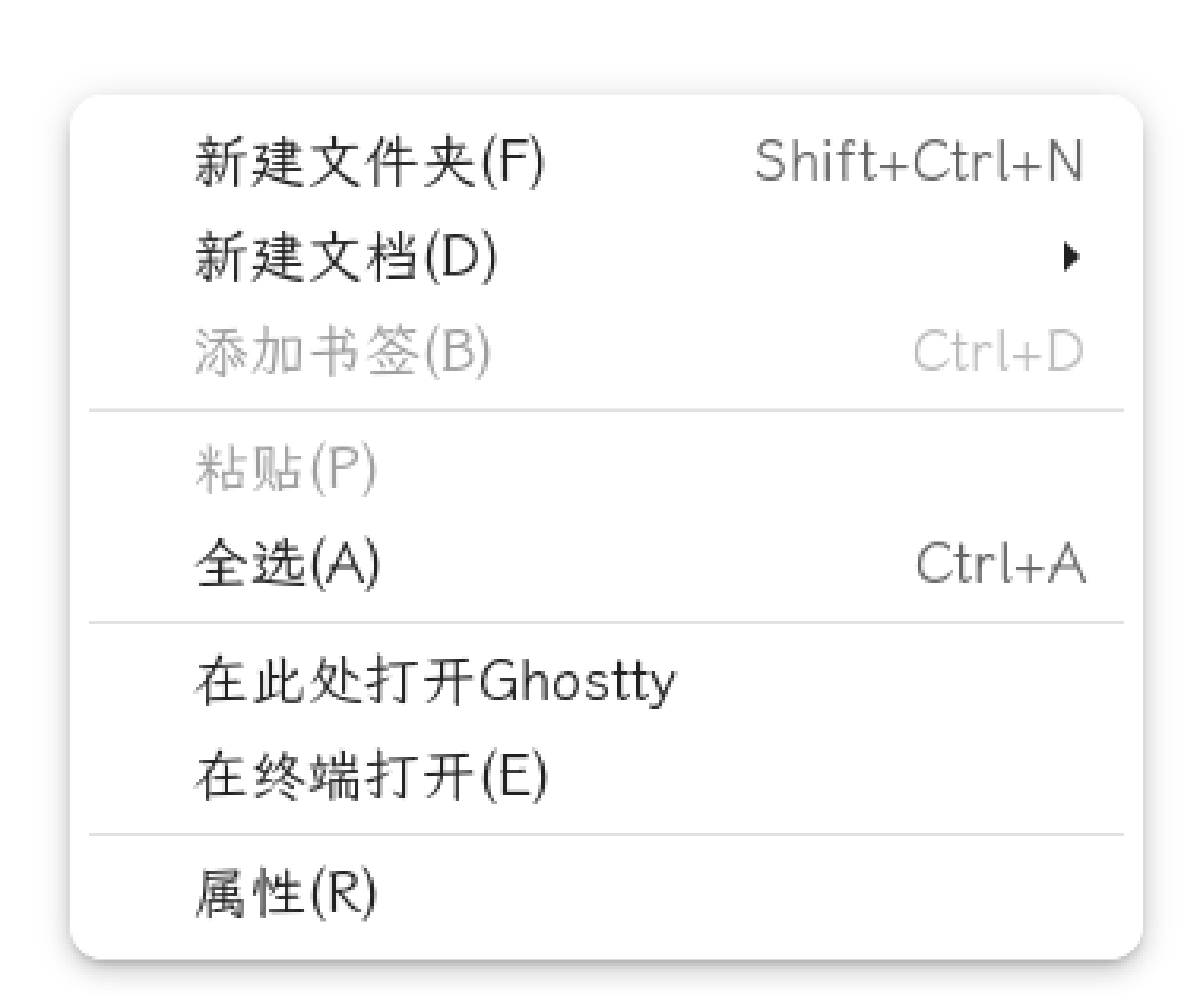

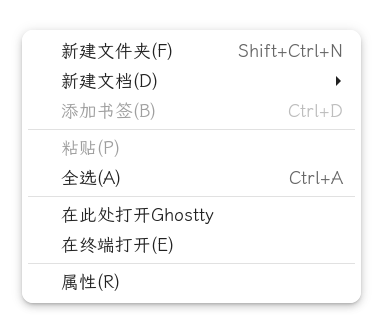
在 Nautilus 文件管理器里右键"在终端中打开",Ghostty 启动了,但停在 home 目录,不进当前文件夹。原因是一个等号的位置。
症状 #
装好 Ghostty 之后,把它设成默认终端。Nautilus 里右键 → “在终端中打开”,Ghostty 确实弹出来了,但 pwd 一看是 ~,不是我刚才浏览的目录。
每次都要手动 cd,用了两天实在受不了。
排查过程 #
第一步:确认 Nautilus 调用的是什么命令 #
Nautilus 的"在终端中打开"功能依赖 .desktop 文件里定义的执行命令。先看看系统里有哪些终端相关的 desktop 文件:
grep -r "Terminal=true\|Exec=.*terminal" /usr/share/applications/Ghostty 的 desktop 文件在 /usr/share/applications/com.mitchellh.ghostty.desktop,里面有一行:
Exec=ghostty没有传 %f 或 %F 参数。但等等,这不一定是问题——“在终端中打开"用的是另一套机制。
第二步:检查 xdg 终端设置 #
xdg-settings get default-terminal-emulator返回的是 com.mitchellh.ghostty.desktop。看起来没问题。
但 Nautilus 实际调用终端的方式是通过 dbus 或者直接执行命令,看 Nautilus 的源码和日志更靠谱:
nautilus --no-desktop 2>&1 | grep -i terminal第三步:发现关键线索 #
最终发现是 Ghostty 的 desktop 文件里的 Exec 行。GNOME 的 glib-compile-schemas 和 Nautilus 在解析参数时,对等号的处理有微妙差异。
问题出在这行:
Exec=ghostty --working-directory=%f应该是:
Exec=ghostty --working-directory %f= 号是罪魁祸首
--working-directory=%f 和 --working-directory %f 在大多数 CLI 工具里是等价的。但 desktop 文件的 Exec 行有特殊解析规则——%f 会被替换为文件路径,而 =%f 整体被当成一个字符串,导致路径解析失败。
修复 #
编辑 Ghostty 的 desktop 文件:
sudo nano /usr/share/applications/com.mitchellh.ghostty.desktop把 Exec 行改成:
Exec=ghostty --working-directory %f然后刷新桌面缓存:
sudo update-desktop-database /usr/share/applications/重新打开 Nautilus,右键 → “在终端中打开”,Ghostty 终于进对目录了。
教训 #
- desktop 文件的 Exec 行有特殊语法,
%f、%u这些占位符不能用=连接 - GNOME 的参数解析比你想象的严格——shell 里能跑的写法,desktop 文件里不一定行
- 排查这类问题时,先看 desktop 文件,再看 xdg 设置,最后看日志
# 验证 desktop 文件语法
desktop-file-validate /usr/share/applications/com.mitchellh.ghostty.desktop

# 手动测试 Exec 命令
gtk-launch com.mitchellh.ghostty.desktop